
LocReminder
Reminds you at the right place
Sleep on the bus. Remember the errand. Drop a pin on your destination and put your phone away — it goes off when you arrive.
App Screenshots
Swipe or scroll to preview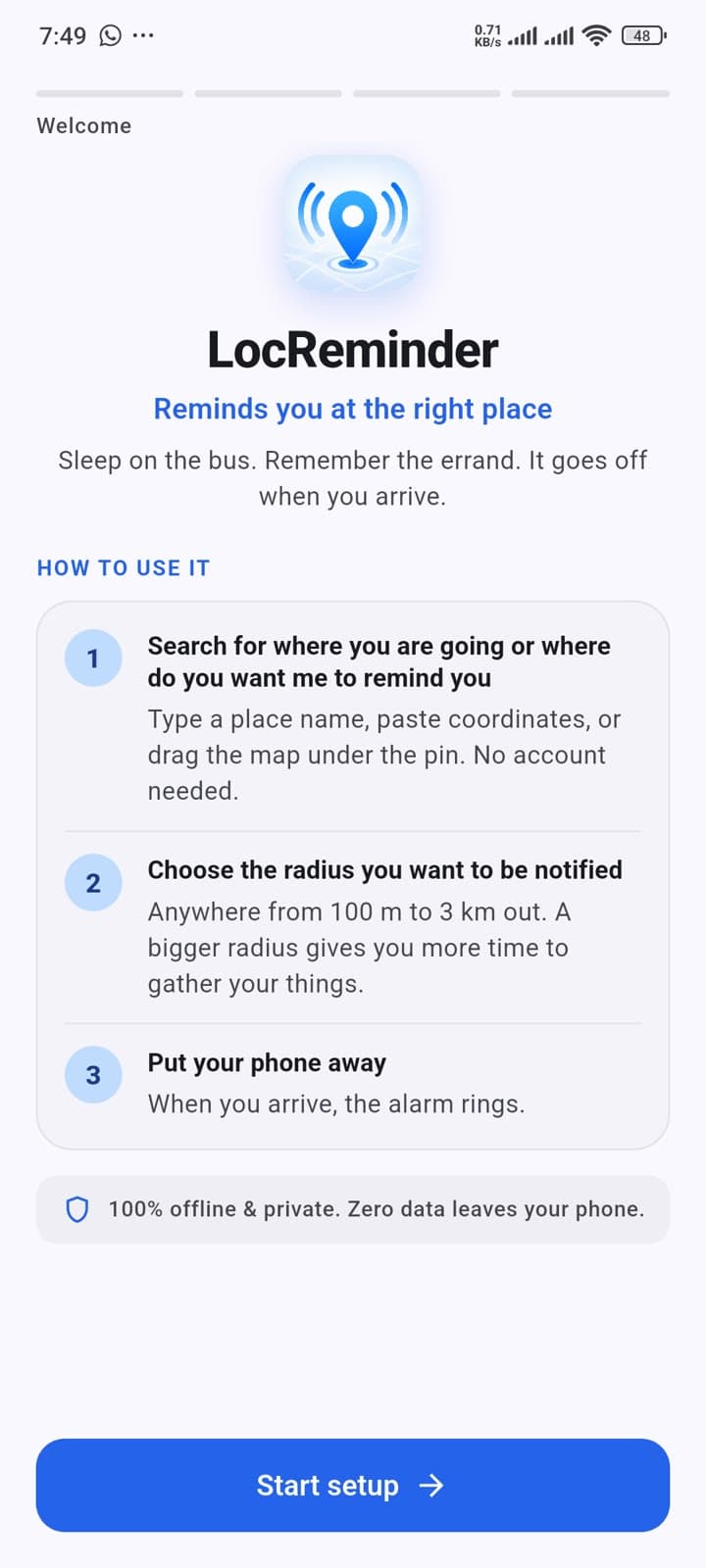
Welcome & Quick Setup
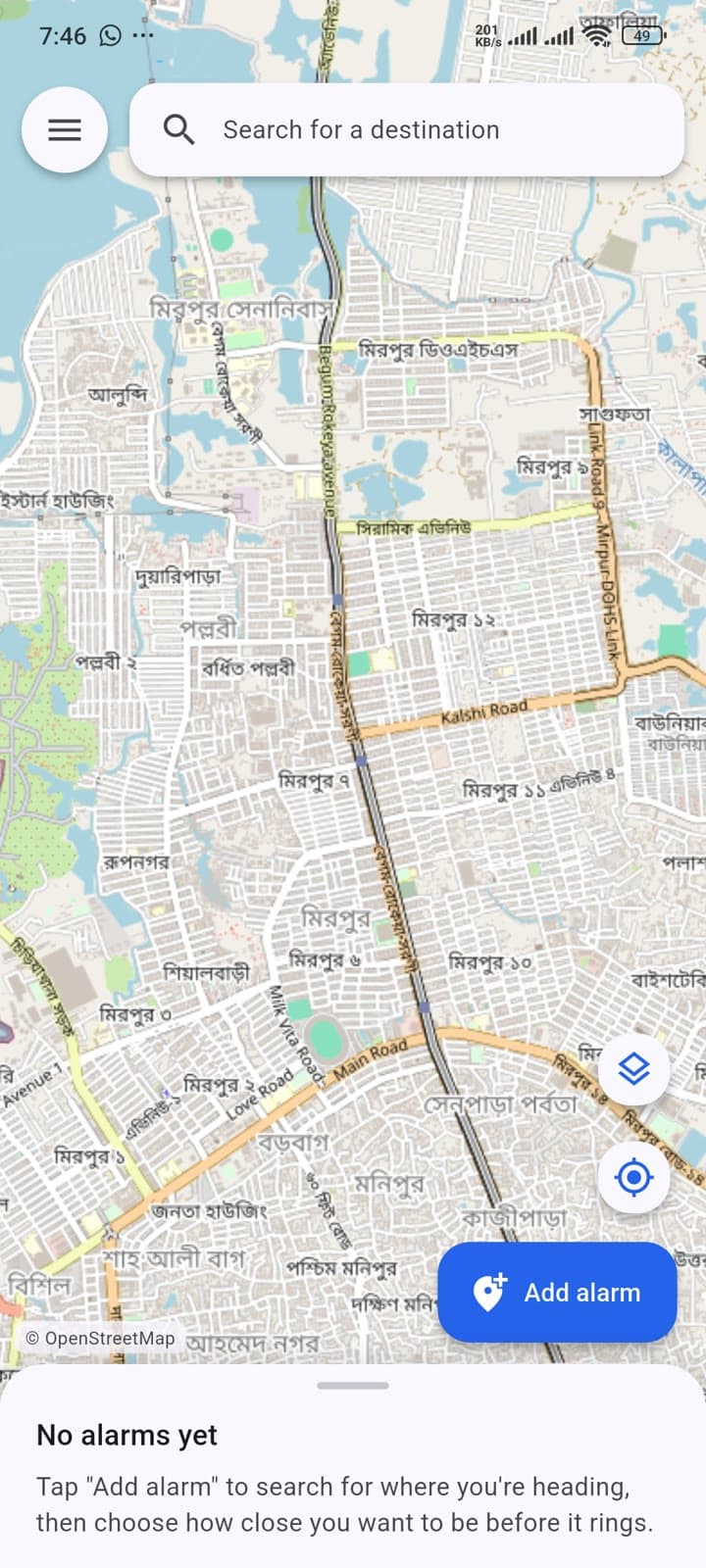
Search for a Location
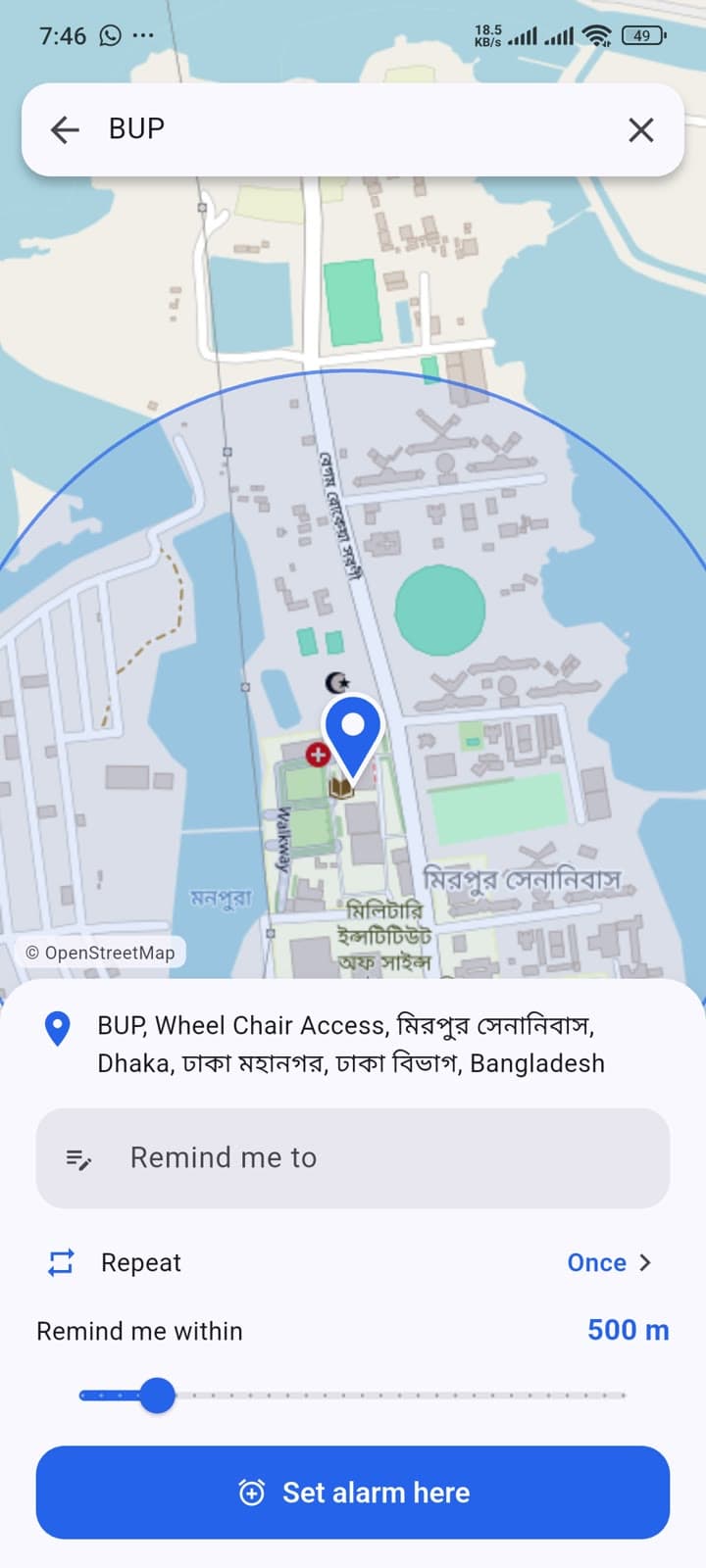
Set Your Reminder
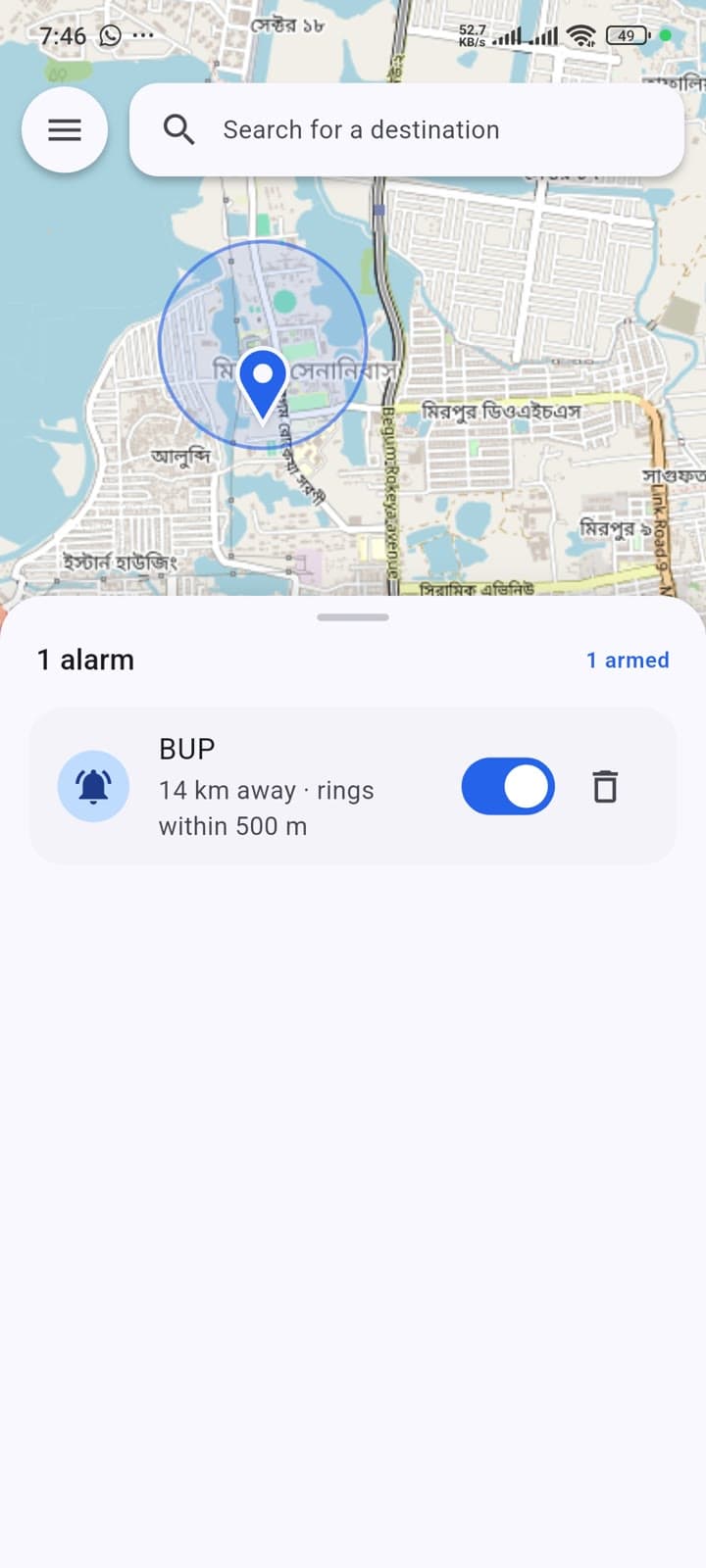
Manage Active Alarms
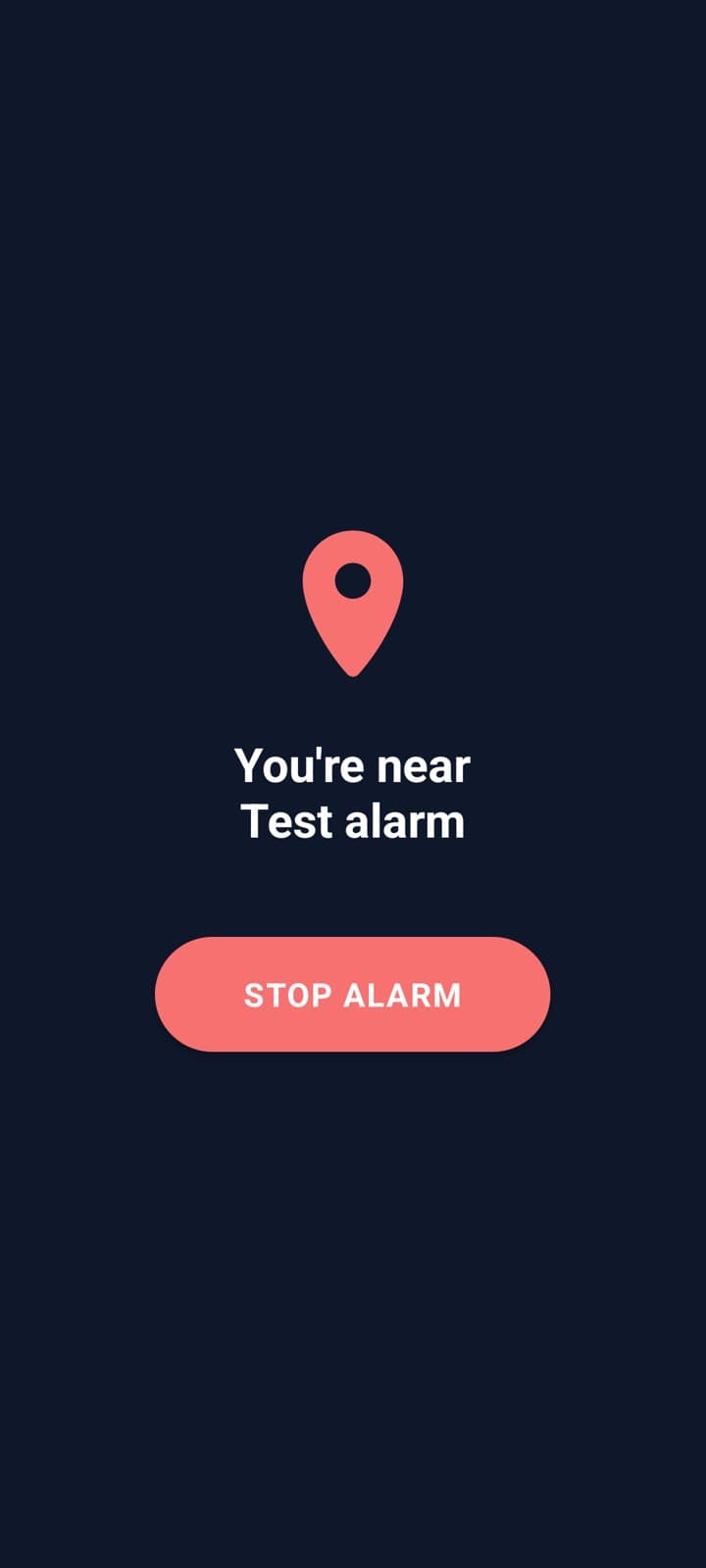
Location Alarm Triggered
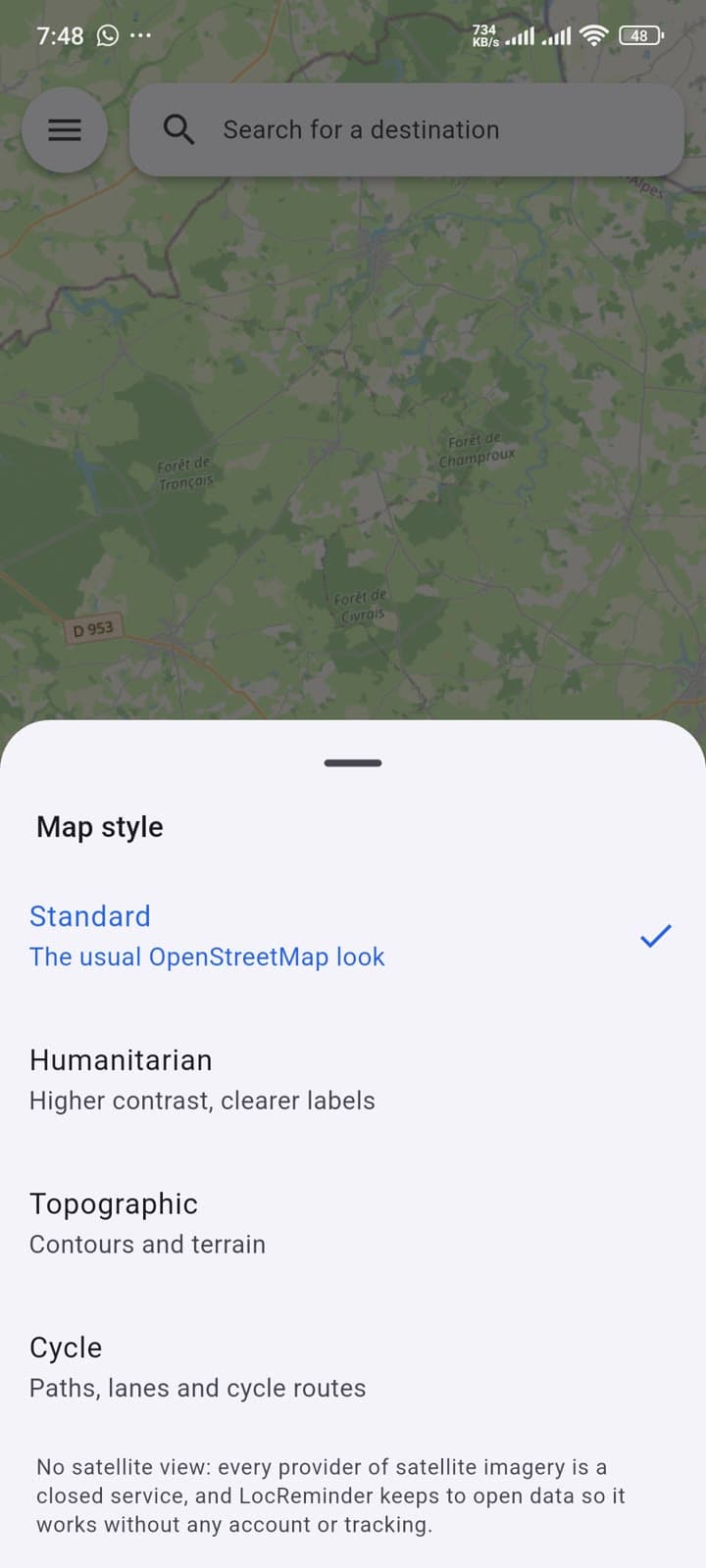
Custom Map Styles
How to use it
Search for where you are going
Type a place name, paste coordinates, or drag the map under the pin. Works online or with cached offline maps. No account needed.
Choose wake radius
Anywhere from 100 m to 3 km out. A bigger radius gives you more time to gather your things before arrival.
Put your phone away
When you arrive, the alarm rings — looping sound that plays even on silent, vibration, and a full-screen alert over your lock screen.
Do this before your first real journey
Open Menu → Alarm reliability and tap Run alarm test. It rings the alarm after 15 seconds, so you can lock your phone and confirm it gets through. Much better to find out at home than on a train!
Why it exists
Long bus or train rides
Actually sleep and rest instead of half-watching for your stop the entire journey.
An unfamiliar city
You do not know what your stop looks like, so let the phone know for you.
Commuters
Read, work, or listen to something without keeping one anxious eye on the route.
Passengers on road trips
Get woken before the highway turn-off instead of 20 km past it.
Pickups and errands
A nudge when you are near the shop, the post office, or a friend’s place.
You know roughly where you are going, but not exactly when you will get there. Traffic, delays and unfamiliar routes make arrival times impossible to predict, so a normal clock alarm is useless. Instead, passengers spend journeys constantly glancing out the window, unable to properly rest or focus.
LocReminder fixes that: drop a pin on your destination, choose how close you want to get, and put your phone away. When you arrive, it rings a real alarm with looping audio, vibration, and a full-screen alert over your lock screen.
What it does
A real alarm, not a notification
Loops on the alarm audio stream so it rings even when your phone is on silent, with vibration and a full-screen alert over your lock screen.
OpenStreetMap with offline caching
No Google Maps API key, no Google account, and zero tracking. Map tiles stay cached for 30 days and coordinate search works with zero signal.
Dynamic, battery-aware polling
Polling interval dynamically calculates based on travel speed and distance remaining. Background checks never run on days with no active alarms.
Material 3 light & dark themes
Polished Material 3 design throughout. Map tiles render with dark-mode contrast at night to avoid blinding glare.
No accounts, zero telemetry
No analytics, no ads, no cloud servers. Your destinations, coordinates, and alarms remain private on your device.
Signed, verified & scanned
Every release is scanned by ~70 antivirus engines on VirusTotal and cryptographically signed with published SHA-256 checksums.
How it works under the hood
Foreground Location Watcher
Holds an Android foreground service to stay out of the idle state that defers background tasks. Ignores imprecise fixes so coarse cell tower triangulation cannot ring the alarm kilometres early.
Adaptive Polling Interval
Derived continuously rather than tabulated: interval is calculated from remaining distance and travel speed (10s on final approach, 15 minutes when 200 km out). On Android 12+, requests cheaper location tiers when far away.
Zero-Overhead Days Off
On days when armed alarms are set for other days of the week, the location watcher requests zero GPS fixes, leaving the battery untouched until your active scheduled days.
Native Kotlin Alarm Service
Loops USAGE_ALARM audio, vibration, wake lock, and full-screen activity over the lock screen. Operates autonomously without needing the Flutter UI engine in memory and auto-stops after 10 minutes.
Watchdog & Boot Recovery
An inexact allow-while-idle alarm restarts the watcher if aggressive vendor power managers kill it, while a boot receiver restores all alarms after device restarts or app updates.
Offline Map Caching & Search
Tiles are cached locally on device for a month, streets around an alarm are saved the moment you set it, and coordinates can be typed directly into search with zero internet connection.
Safe to install
Scanned by VirusTotal
Every release gets checked by around 70 antivirus engines before it is published, ensuring clean, verifiable builds.
Signed and verifiable checksums
Each release carries LocReminder’s cryptographic signature with published SHA-256 hashes so you can verify download integrity.
Open source, all of it (MIT)
Every line is public and MIT licensed. Nothing is hidden, and you can build the app yourself directly from source.
No tracking, no accounts, no server
No analytics, no ads, no sign-up. There is nowhere for your locations to go, so they never leave your phone.
No Google Play Services required
Runs natively on de-Googled devices, LineageOS, Huawei, and Honor phones. Map data comes from OpenStreetMap.
Built with
The detection and alarm mechanisms are powered by native Kotlin holding an Android foreground service with wake-lock support. This guarantees that when arrival is detected, the alarm rings even if the Flutter UI engine is not running in memory. Flutter powers the responsive Material 3 map, location search, and user configuration.